For the Draft Audio assignment I decided to make it more of an interview style story. My Raw audio assignment was really good for ambient noise but I wanted more so I reached out to another tennis player I knew and asked him some questions. For this I went over and sat at his dining room table so that I wouldn’t have any sound interference. The technology that was can carry just in our pockets is amazing and my phone has made these audio assignments a breeze. Just pressing record and sharing it to an email makes a somewhat challenging process 20 years ago a breeze and I can transfer an audio byte from my phone to Audition in less than a minute. I recorded myself as a narration to ask the questions and then spliced my audio to sound more professional. This I did at my dinner table and I tried to be careful how loud i was because my mics can pick up sound very well and make them blast in speakers. I then took Brandon’s interview answers and formed them to my recording. I tried to edit out any “Ums” or other noises in the background to the best of my ability. The razor tool was my main source of editing for all of the sound in this assignment. After I had those all put together I wanted to add something else to give it more. I decided to take some of the ambient noise from the last assignment and put it in as a way to show ending. I used this in the similar way that we used the chimes in our interview assignment for the Audition tutorials. The closing sound is me hitting a tennis ball and bouncing on the court and this is a familiar sound that many people can easily pick up on.
Raw Audio Footage
Final Logo Project

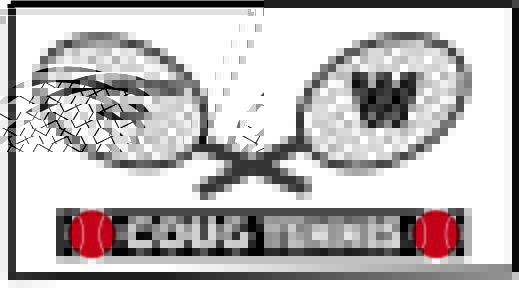
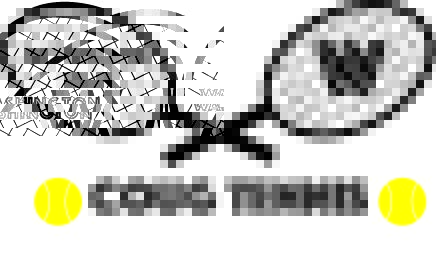
For this final logo I wanted to keep the same idea as the draft but tweak and add things that would make it look more logo like and fit a better description of what I was representing. I made this whole logo out of the different shape tools that are in illustrator and added the texts to finalize the logo. The racquets are made out of the line and oval tools. The tennis balls are made from the same tools as well. It took more effort for the racquets because I had to individually make all of the strings and line up the handles and racquet heads so that they looked natural and like actual racquets. The tennis balls were simple but I had to use the line tool and warp the white lines so they looked like the ones on a ball. I added a few things to the original idea to make the logo that you see now. The one piece of feedback that i saw on multiple posts was color is very important. My original had only on color variation and I wanted to add to it. Though tennis balls are yellow this is a WSU style logo and so when i changed them to crimson is didn’t take away that they were tennis balls and helps signify that this is related to Washington State. I changed the color of the racquets to grey to get a similar affect. Some additions that i added were the box surrounding the logo and the black rectangle behind the main text and the tennis balls. The black box I just used the line tool and thickened them and I like this addition because it encloses the whole logo and it feels more logo like. This could be put on a website or a business card and look more professional with this one small adjustment. I added a black rectangle behind the tennis balls and main logo because I wanted this section to pop more. The problem with a black box is you can see the black text and so I changed the main text to white and it turned out great. The tennis balls and the text are accentuated much better in this logo than the last. I feel like these changes help the logo pop just a bit more and add needed pieces to help it become its own.
Draft Logo Project

 sharpieguy
 Isaiah's Com 210 blog