Draft Logo Project

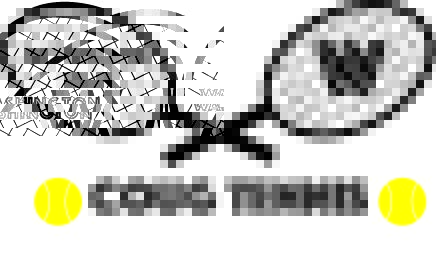
For this assignment I looked at the 30 Brilliant Vector Logo Designs Deconstructed (https://design.tutsplus.com/articles/30-brilliant-vector-logo-designs-deconstructed–vector-338) for inspiration and I followed what it said about simplicity. Also combining imagery with the logo was important to this logo as well. All of the elements in my logo I created with the different tools in Illustrator. The tennis balls are yellow circles and I used the line tool and warped them to make the lines. They are hard to see but I can retool these to make them more obvious. The text was easy because I just placed the three text pieces in where they are placed. I like the simplicity of the text because they signify Washington state and the placement of the tennis balls around the Coug section are a good touch. The trickiest part of the logo was the racquets. To create the handles I just used the line tool and thickened them and copy and pasted to cross them. I then used the circle tool to create the oval racquet heads and copy and pasted those so they were symmetrical. The hardest part of this piece was the strings. I had to copy an paste these lines at different lengths and they didn’t come out even but I like that they aren’t even. When you play tennis you are consistently using topspin to hit the ball over the net and this will move the strings around and they won’t stay perfectly aligned like they are when you first get a racquet. Even though symmetry is important for some, I like that they don’t have perfect alignment and it makes the logo real. I want to play with some of the colors for the final logo, but I feel like this is a solid remake of my sketch from Tuesday and is a good starting place to retool for the final logo submission.

Final Graphic design post

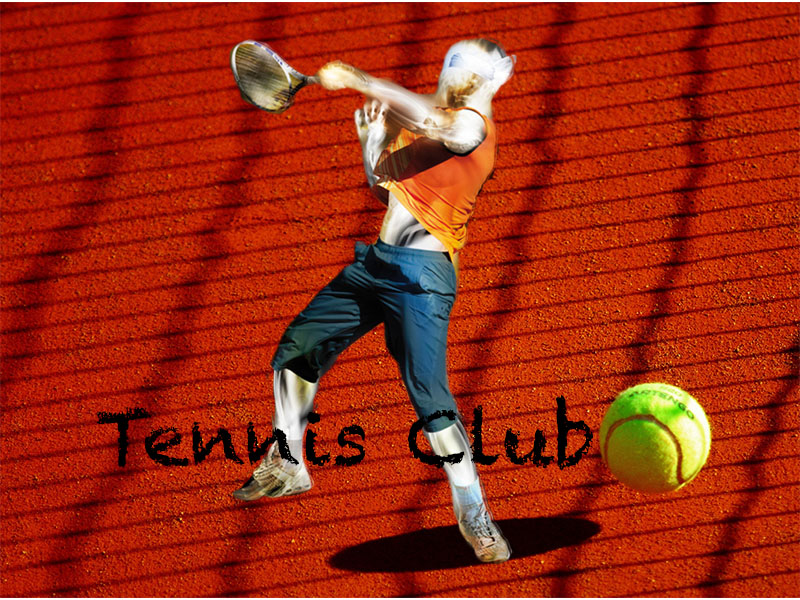
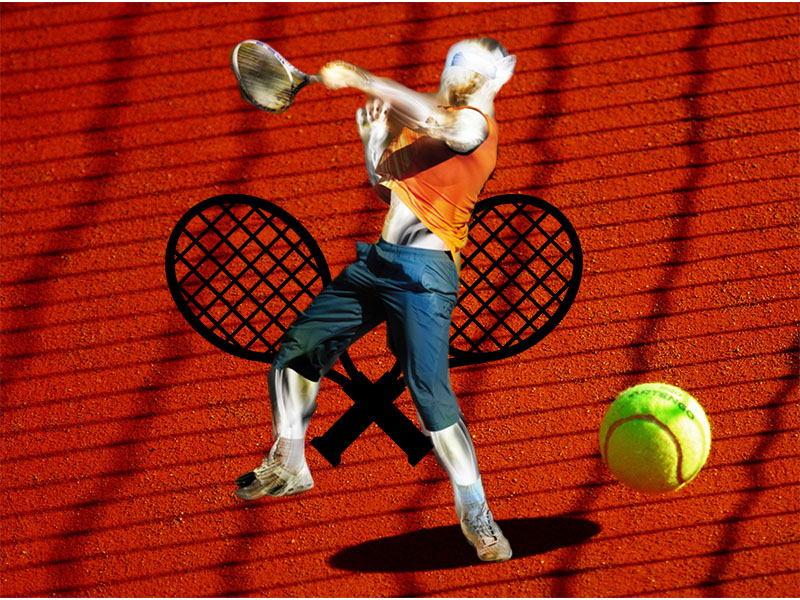
For this final post I decided to stick with the general concept from the last design but tweak a few things to fully make this a better logo. When reading through my feedback I noticed two things. People said that the racquets in the background didn’t fit super well and that there was one piece missing like and extra photo or a text. So for this design I followed those suggestions and took the racquets away and I added a text to make this more of a real logo. I agree with the racquets not fitting well. Though they seemed cool at first and were almost like wings behind the tennis player, they did distract from the main part of this photo and that is the tennis player. They were sitting in the back and took away from the main focus. Second was the text. This assignment is about the tennis club so it should probably say tennis club if I am making a logo. The subtle font design looks almost like the texture of the court and doesn’t take away from the player, the ball, or the court itself. This makes it more natural looking rather than something added to the photo. It fits in with the image itself. Another thing that I did to the photo was make it a shade darker. The color of the court and the player benefited well with a darker shade. I also cleaned up the edges on the tennis player that I missed the first edit. I bounced around other ideas and I kept coming back to the original because it worked so well, so instead of totally changing it I decided to keep the same concept and use the feedback to my advantage. I think this design project went well and hopefully the rest of my assignments can follow suit like this one did.

Graphic Design Project

I wanted to create more of a logo for this assignment. I feel like logos are a huge way that companies or blogs represent themselves and this is my attempt at that. I was influenced by the colors in the game and how they pop and so I wanted those incorporated. Also the fluent motion of a player is something I wanted to capture in this picture and I think I accomplished that. Tennis players move differently than any other athlete and I wanted this to be seen clearly This image also embodies all of the elements of tennis. For this Assignment I found three images that all together involve the sport of tennis. The court and ball representing where the game is played and the main object of the game, the racquets in the background showing the tool used in the game, and finally the player in motion showing the effort and intensity of the sport of tennis. There is of course work to do on this image, but I am proud that I had no idea how Photoshop worked a few days ago and now I have created something that I feel represents tennis well. I think I could do better with cutting the tennis player a bit more precisely, but i think he turned out well. I found all of these pictures on free image websites from the image source tab. The websites I used were Pixabay, Free images, and Pexels. All of these photos had download for free tabs and I used those to acquire the photos. I used the magnetic lasso tool for the tennis player and then layered the other two photos around him. The biggest challenge was the tennis player himself. I had to restart and retool the image before I got it just right and then the embedded photos were simple because they just slid behind him.
Links
https://pixabay.com/vectors/rackets-racquets-tennis-crossed-296813/
https://www.freeimages.com/photo/light-painting-1-1165130
https://www.pexels.com/photo/yellow-sport-ball-tennis-66323/
Citations
(n.d.). Green Tennis Ball on Red Floor during Sunny Day · Free Stock Photo. Retrieved from https://www.pexels.com/photo/yellow-sport-ball-tennis-66323/
(n.d.). Light Painting 1. Retrieved from https://www.freeimages.com/photo/light-painting-1-1165130
Free Image on Pixabay – Rackets, Racquets, Tennis, Crossed. (n.d.). Retrieved from https://pixabay.com/vectors/rackets-racquets-tennis-crossed-296813/

Image Collection

These pictures are a representation of the components of tennis. They show the action and the equipment used in the game. These images to a tennis player immediately light up in a tennis players head and I want these to do the same for those who see my project.
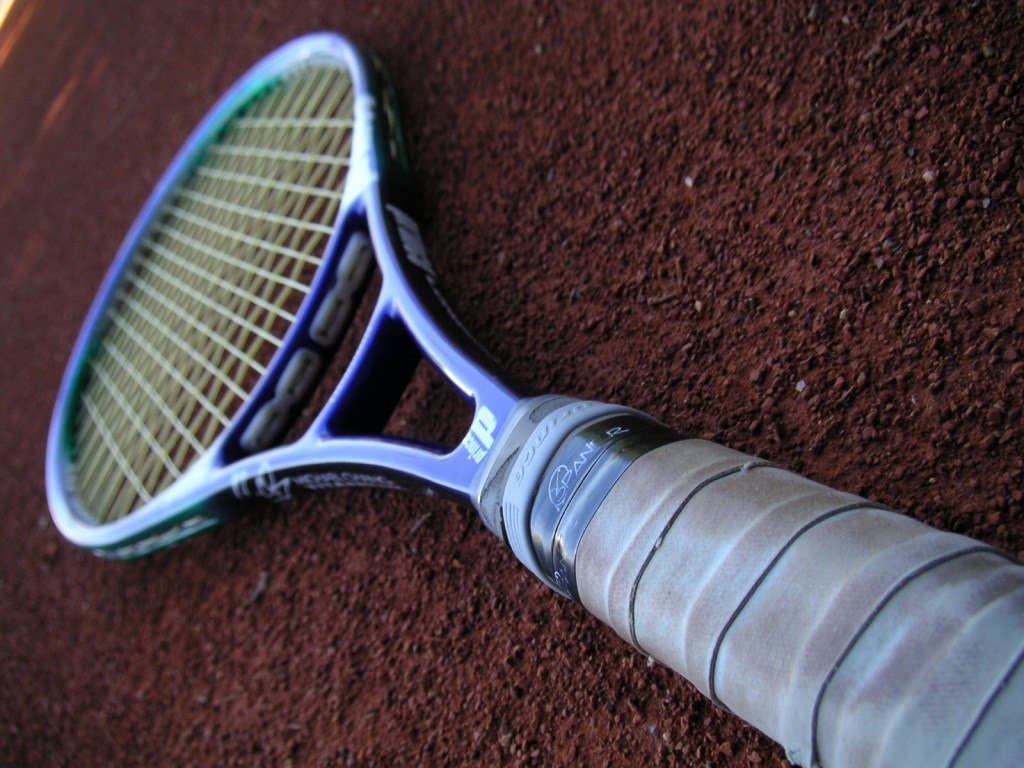
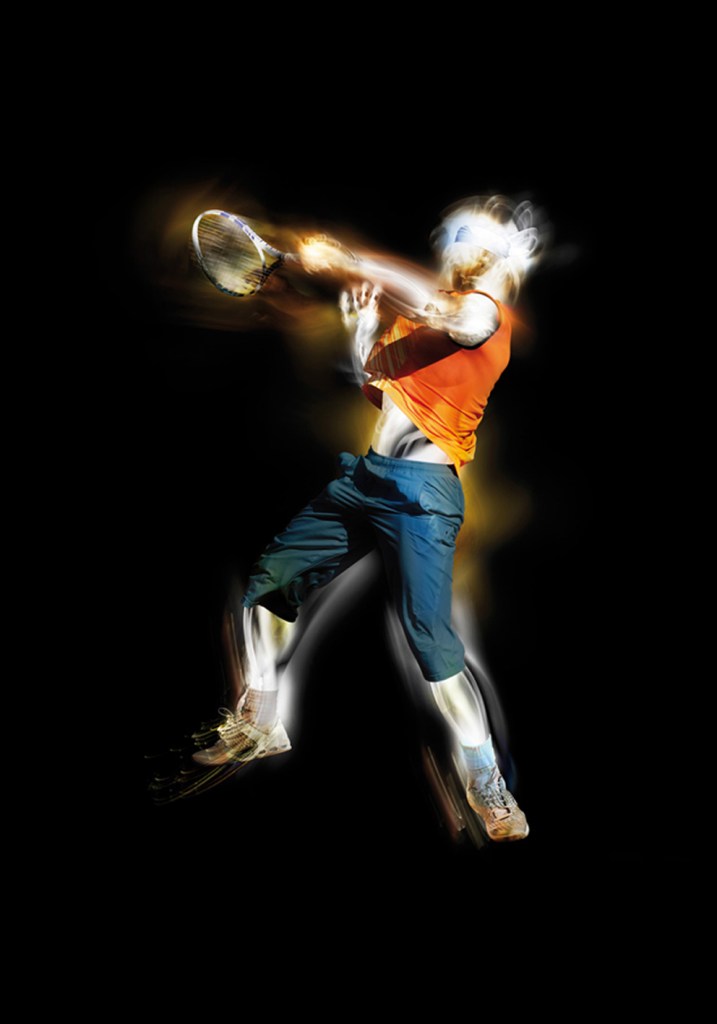


(n.d.). Tennis Racket 2. Retrieved from https://www.freeimages.com/photo/tennis-racket-2-1492104


(n.d.). Light Painting 1. Retrieved from https://www.freeimages.com/photo/light-painting-1-1165130
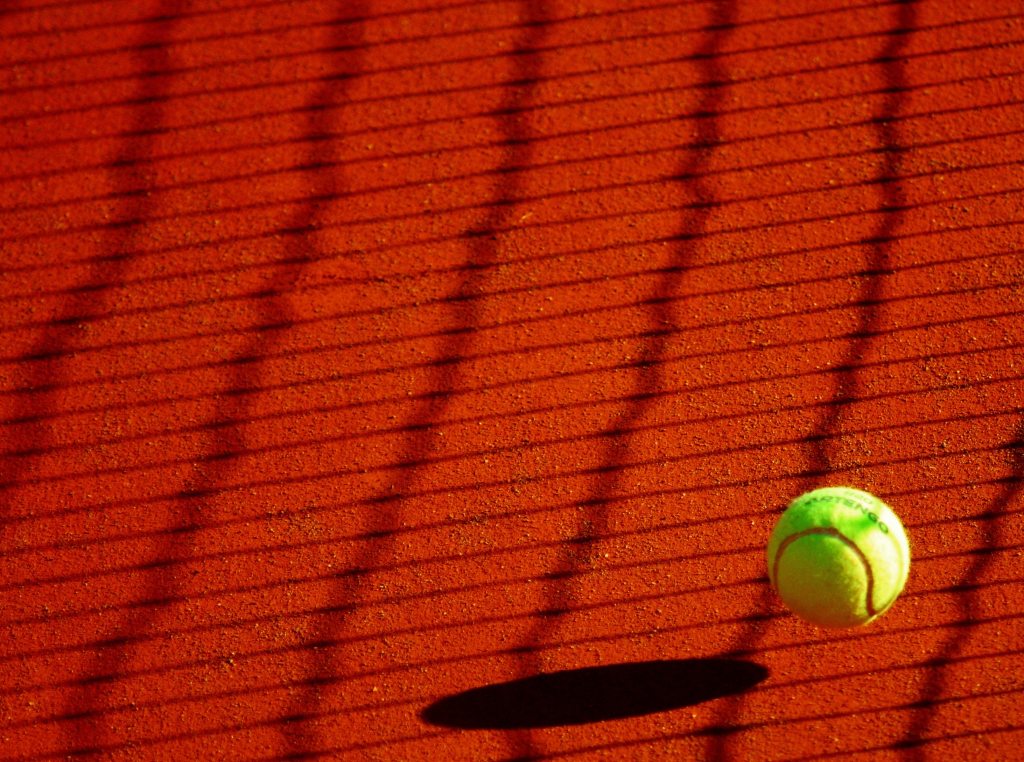

 
(n.d.). Green Tennis Ball on Red Floor during Sunny Day · Free Stock Photo. Retrieved from https://www.pexels.com/photo/yellow-sport-ball-tennis-66323/

Topic Choice

The topic I have chosen this semester is the club tennis here at WSU. I decided on this because I love playing the sport and have been playing for almost 9 years. There is a good size community with club tennis and I am excited to join and be apart of it. The other reason that i decided on this was because i think it will be fairly easy to collect information for this assignment. The club meets twice a week for a 3 hour period and I feel that is a good amount of time to collect photos, audio, and much more. I am excited to create a logo for this too. I did an assignment last year for my COM 102 class where we created logos and I feel I will have the same fun with this one. Also the audio portion could be fun. Getting to interview fellow members or capturing the sounds of the game could be very useful to this project. There are a couple of sources that i found that tie in well with my topic. I found a website called “Essential Tennis” and it is a site full if useful tennis tips. It is a podcast website that dives into different styles and techniques to improve a players performance. Another fun media source that I found was the Youtube channel for the company Tennis Warehouse. The company sells many different tennis products and on their channel they do product reviews with a demonstration videos of racquet performance and talks about which racquets pros use. Finally, I follow a page on Instagram called @Tennis. They post great pictures of pros performing or celebration on the court. All of these inspire me to play the best that I can and I am excited to do this project on the club tennis here at Washington State.

My First Blog Post

Be yourself; Everyone else is already taken.

— Oscar Wilde.

This is the first post on my new blog. I’m just getting this new blog going, so stay tuned for more. Subscribe below to get notified when I post new updates.

Introduce Yourself (Example Post)

This is an example post, originally published as part of Blogging University. Enroll in one of our ten programs, and start your blog right.

You’re going to publish a post today. Don’t worry about how your blog looks. Don’t worry if you haven’t given it a name yet, or you’re feeling overwhelmed. Just click the “New Post” button, and tell us why you’re here.

Why do this?

  • Because it gives new readers context. What are you about? Why should they read your blog?
  • Because it will help you focus you own ideas about your blog and what you’d like to do with it.

The post can be short or long, a personal intro to your life or a bloggy mission statement, a manifesto for the future or a simple outline of your the types of things you hope to publish.

To help you get started, here are a few questions:

  • Why are you blogging publicly, rather than keeping a personal journal?
  • What topics do you think you’ll write about?
  • Who would you love to connect with via your blog?
  • If you blog successfully throughout the next year, what would you hope to have accomplished?

You’re not locked into any of this; one of the wonderful things about blogs is how they constantly evolve as we learn, grow, and interact with one another — but it’s good to know where and why you started, and articulating your goals may just give you a few other post ideas.

Can’t think how to get started? Just write the first thing that pops into your head. Anne Lamott, author of a book on writing we love, says that you need to give yourself permission to write a “crappy first draft”. Anne makes a great point — just start writing, and worry about editing it later.

When you’re ready to publish, give your post three to five tags that describe your blog’s focus — writing, photography, fiction, parenting, food, cars, movies, sports, whatever. These tags will help others who care about your topics find you in the Reader. Make sure one of the tags is “zerotohero,” so other new bloggers can find you, too.

Blog at WordPress.com.

Up ↑

Design a site like this with WordPress.com
Get started